Open Video
Generation.
Describe an idea, cast your characters, and generate a multi-scene video with the best AI models.
“Your idea is enough. OpenStory turns it into a full production — scenes, characters, shots, soundtrack. Start simple, go deep, build something nobody else could. Open source and endlessly customisable.”
Open Source · Endlessly Customisable · Yours to Own
The Pipeline
Everything you need to ship
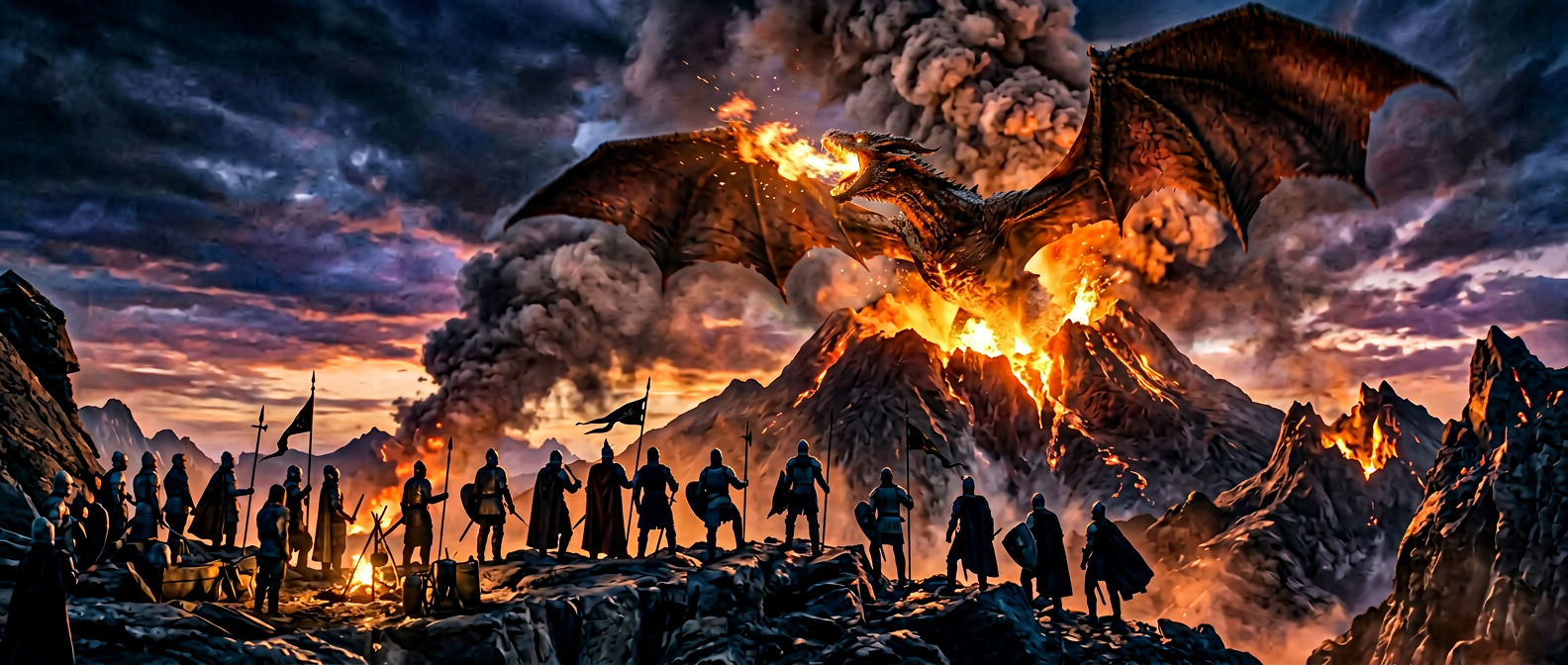
From Idea to Finished Video
Describe what you want in a line or paste a full script. OpenStory breaks it into scenes, generates shots, and scores the music. A complete production pipeline, not a single-shot toy.
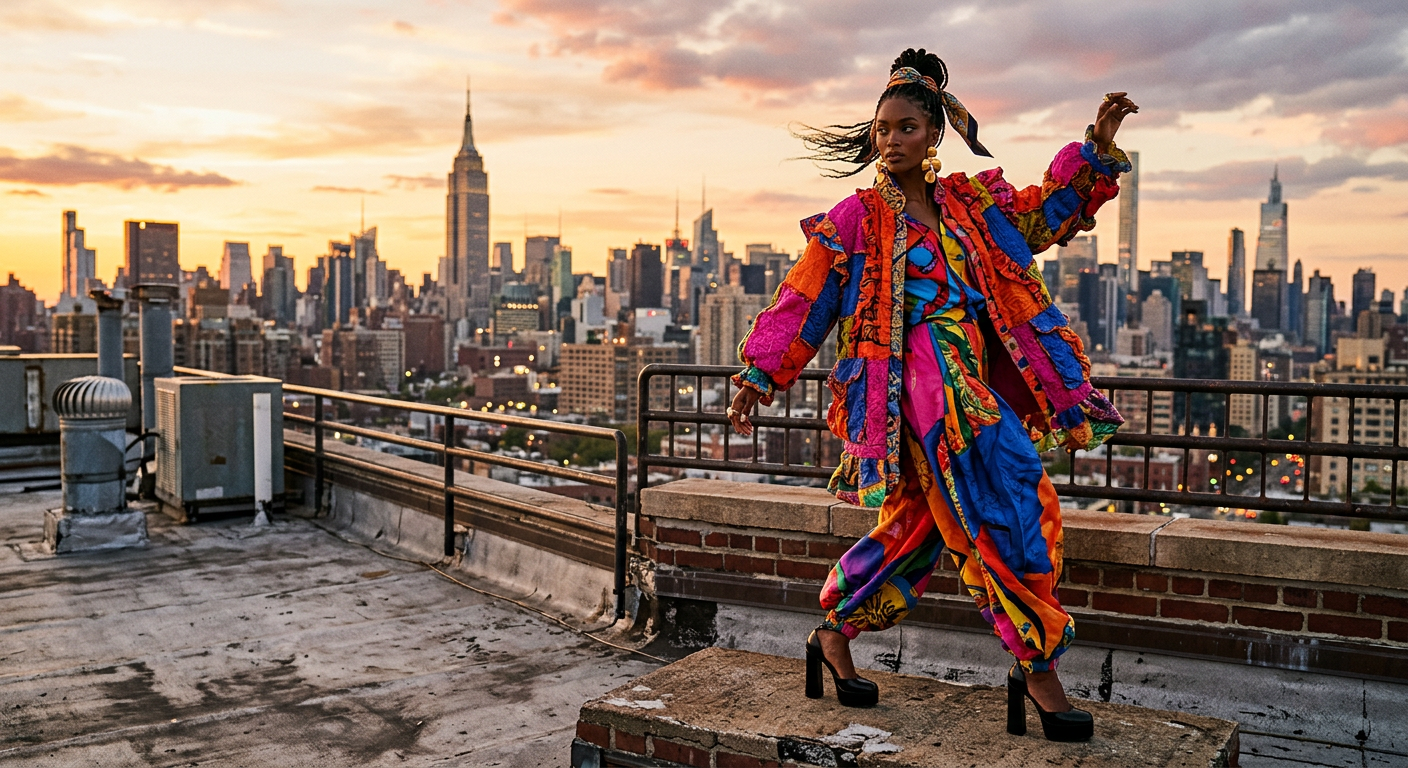
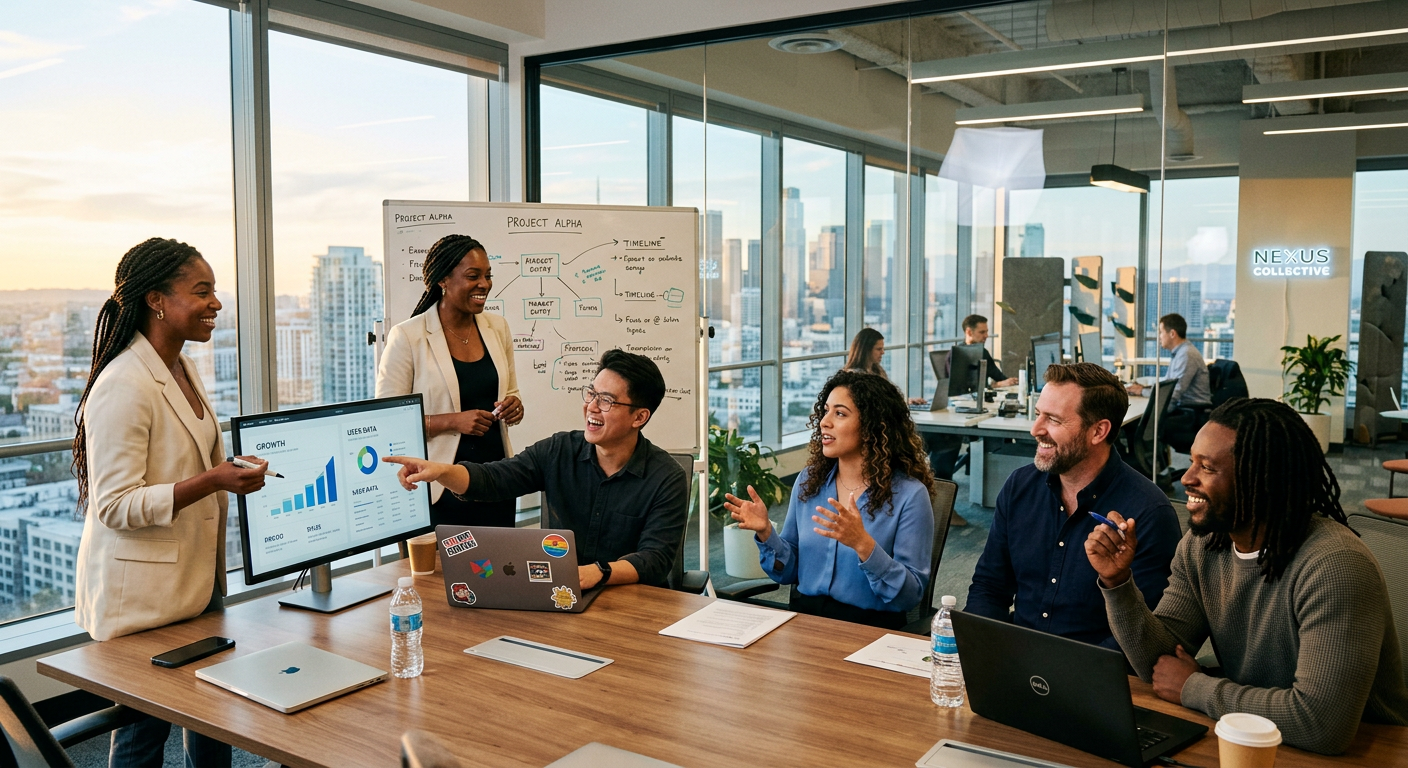
Cast Your Own Talent & Locations
Define your characters and environments once — age, wardrobe, lighting, architecture. OpenStory maintains consistency across every shot in every sequence.
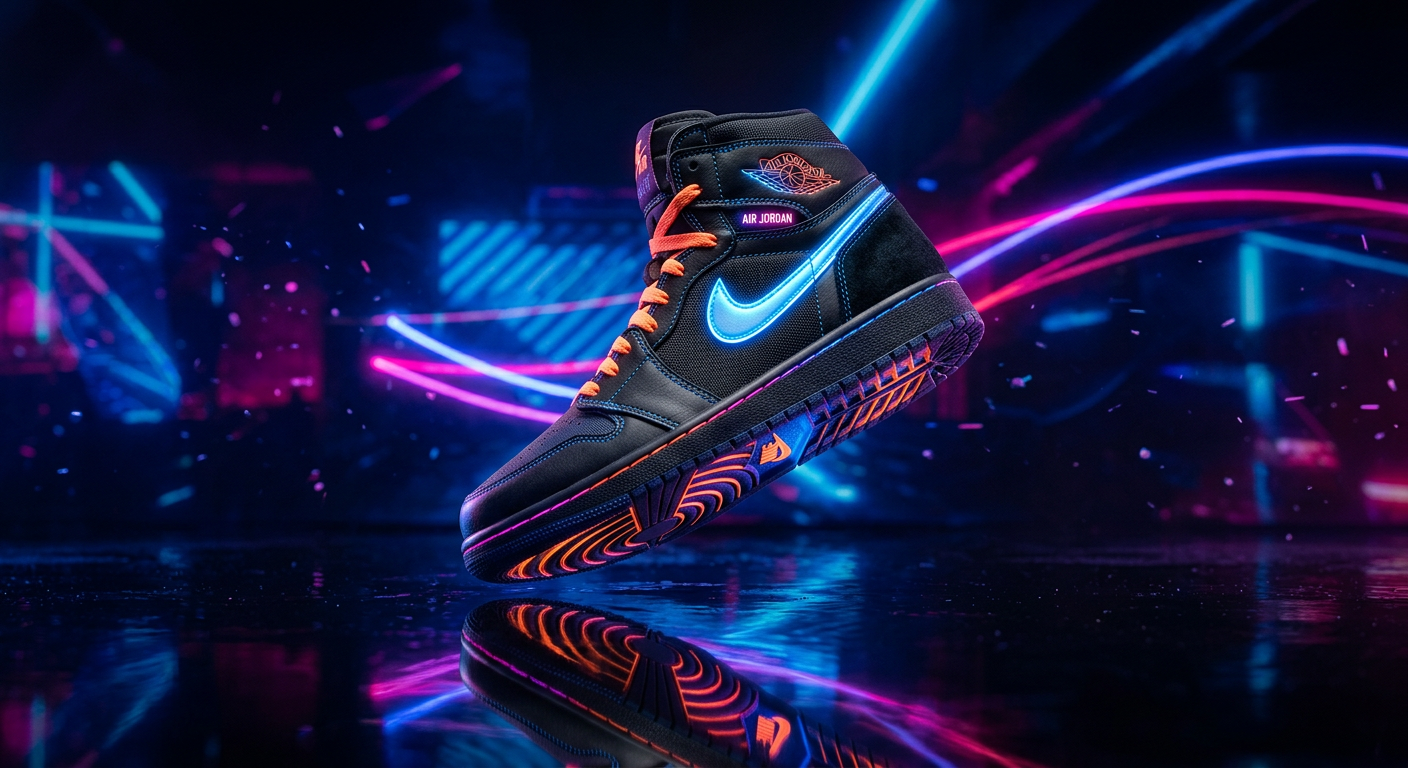
Get The Shot You Want
Generate variations of any shot — different angles, lighting, compositions — until it’s exactly right. Creative direction, not creative compromise.
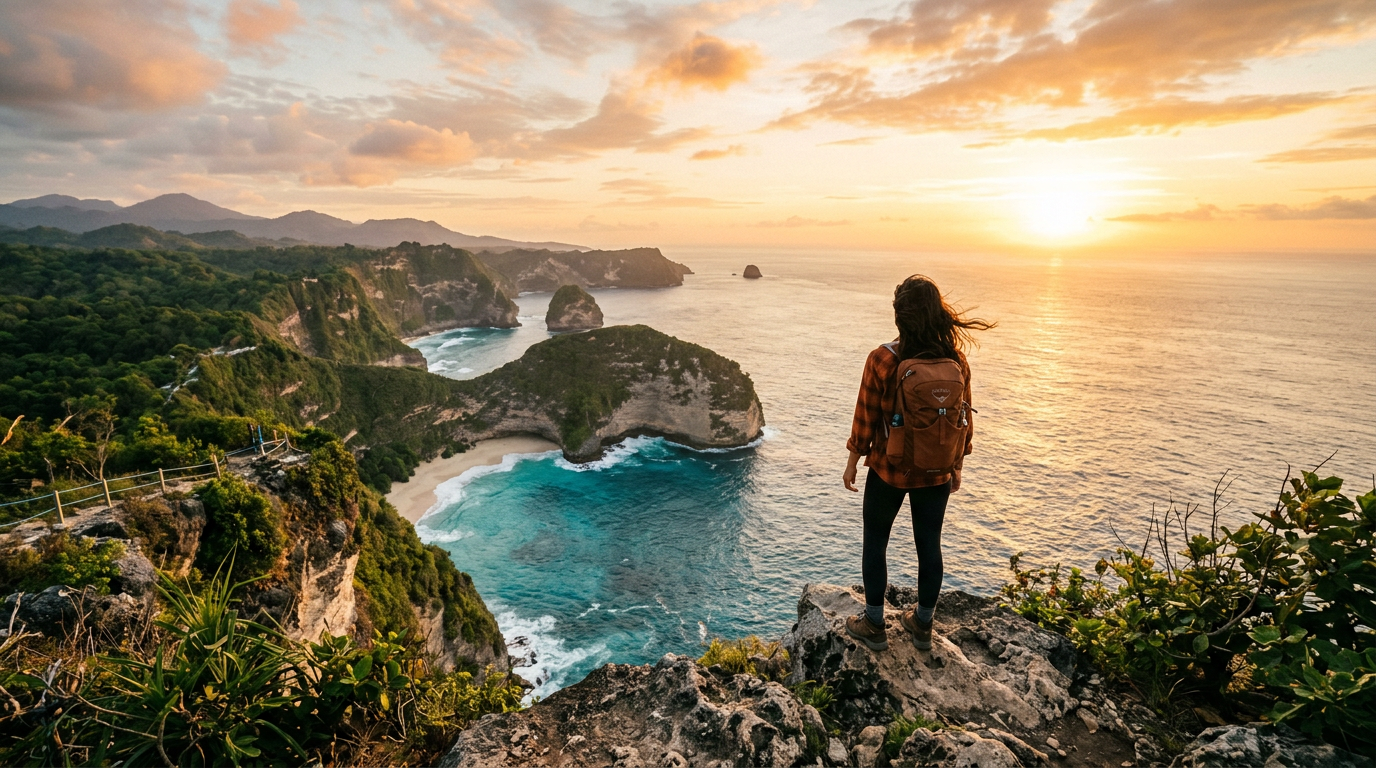
Take Your Work Anywhere
Download individual shots, export full sequences, and get the prompts behind every generation. Your work isn’t trapped here — use it in any editing tool or pipeline.

Latest Models
Access the best image and video models as they ship. Switch per shot, or let OpenStory pick the best one for the job.
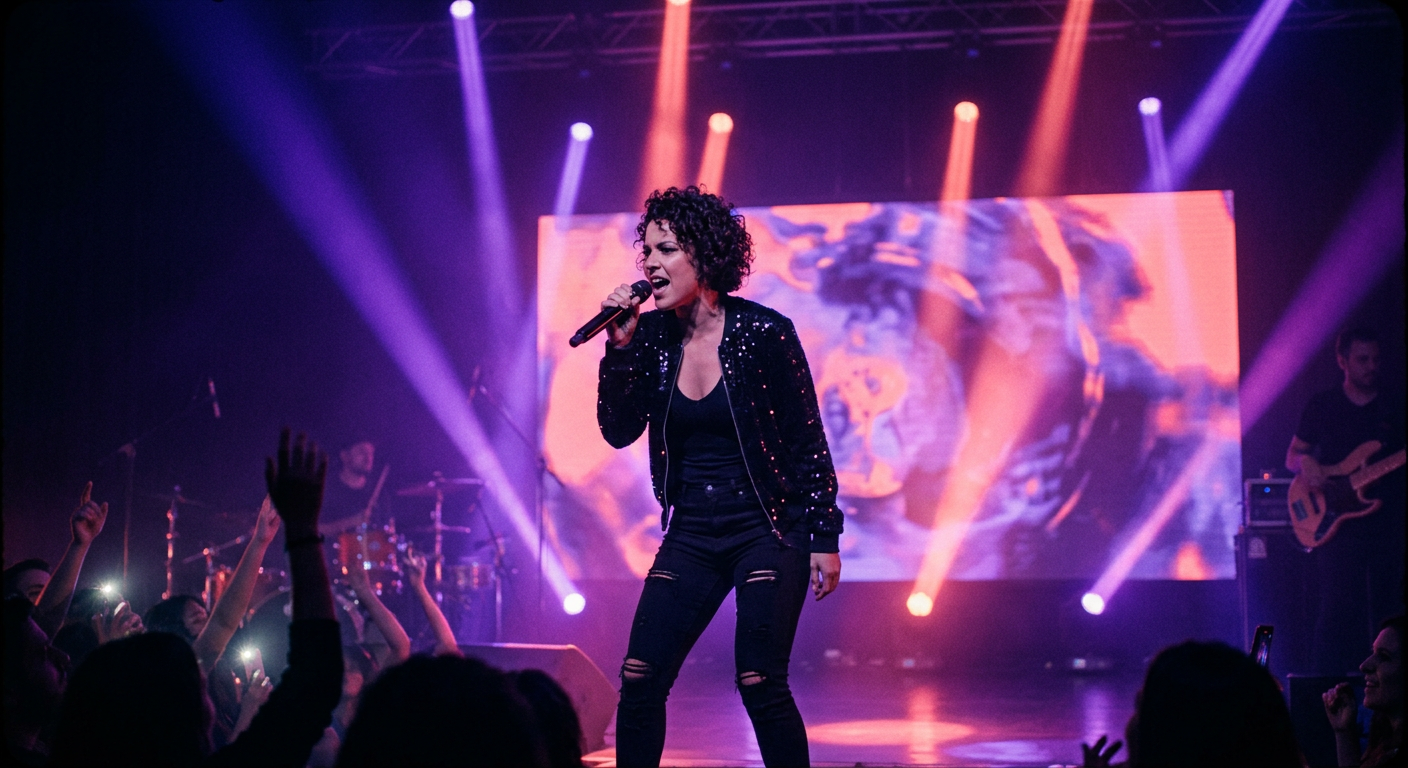
Music & Audio
Generate music tracks and sound effects that match your sequence. Full audio composition built in.
Open & Fair
Open Source
MIT licensed, full source on GitHub. Fork it, self-host it, or build entirely new workflows on top.
Bring Your Own Keys
Use your own API keys or self-host entirely. Pay providers directly, no markup.
At Cost Pricing
No subscriptions. No margin on model costs. You pay what the AI providers charge.
Export Everything
Shots, sequences, prompts, and music. Your work isn’t trapped — take it anywhere.
The Process
Four Steps to Your First Cut
01
Describe Your Idea
Start with a one-liner or a full script. OpenStory builds out scenes, assigns characters and locations, and prepares shot directions.
02
Define Your Look
Set your visual style, cast your talent, choose your locations. These carry across your entire project.
03
Generate & Refine
Generate AI frames for every shot. Swap models, try variations, regenerate until every shot is right.
04
Export Everything
Download shots, sequences, prompts, and music. Take it all into your editing tool of choice.